SonaPlay - Offline Music Player for iPhone
Play, manage, and enjoy your music offline.

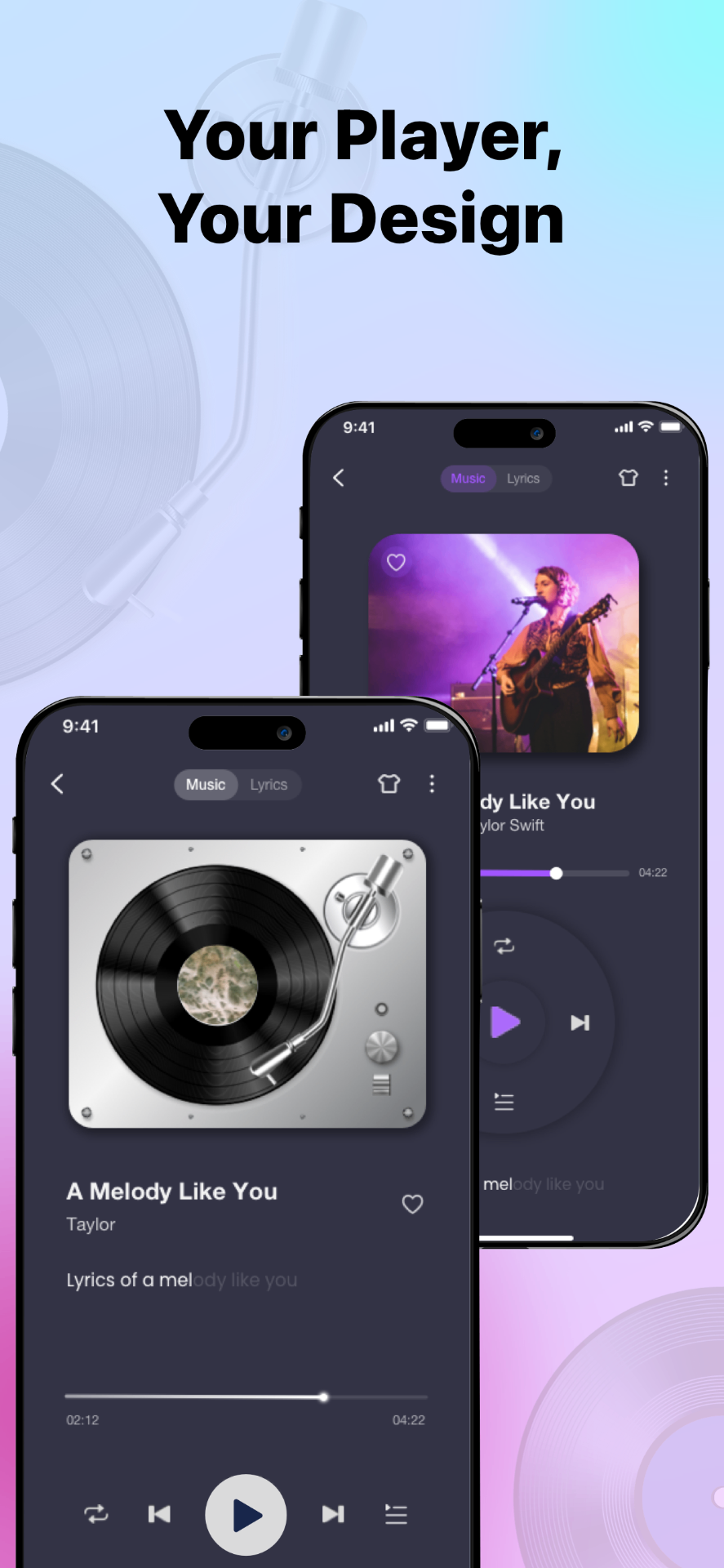
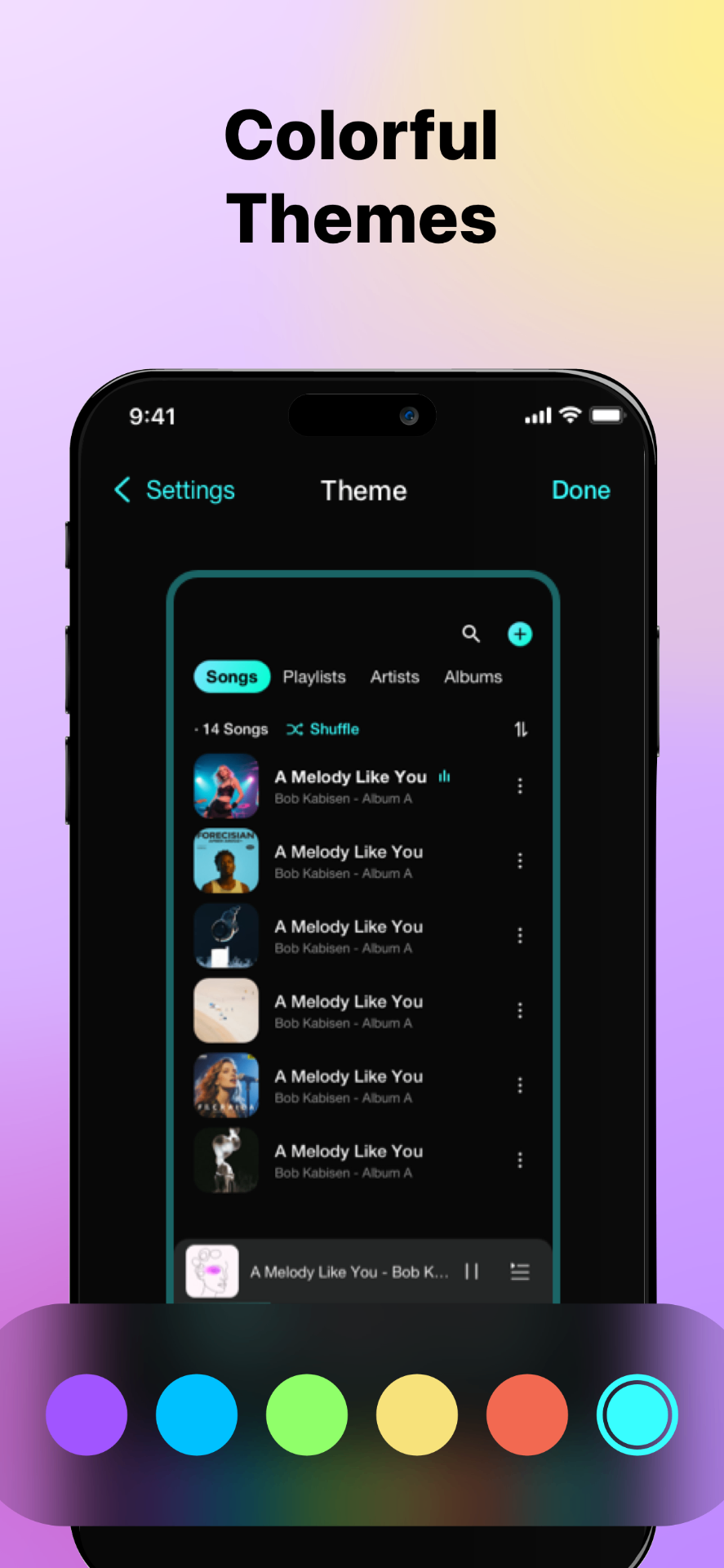
Key Features of SonaPlay - Offline Music Player
Enjoy offline music playback on iPhone with a free, ad-free music player that lets you import, manage, and play local audio files.
Listen to Music Offline on iPhone
Play your music anytime and anywhere without an internet connection.
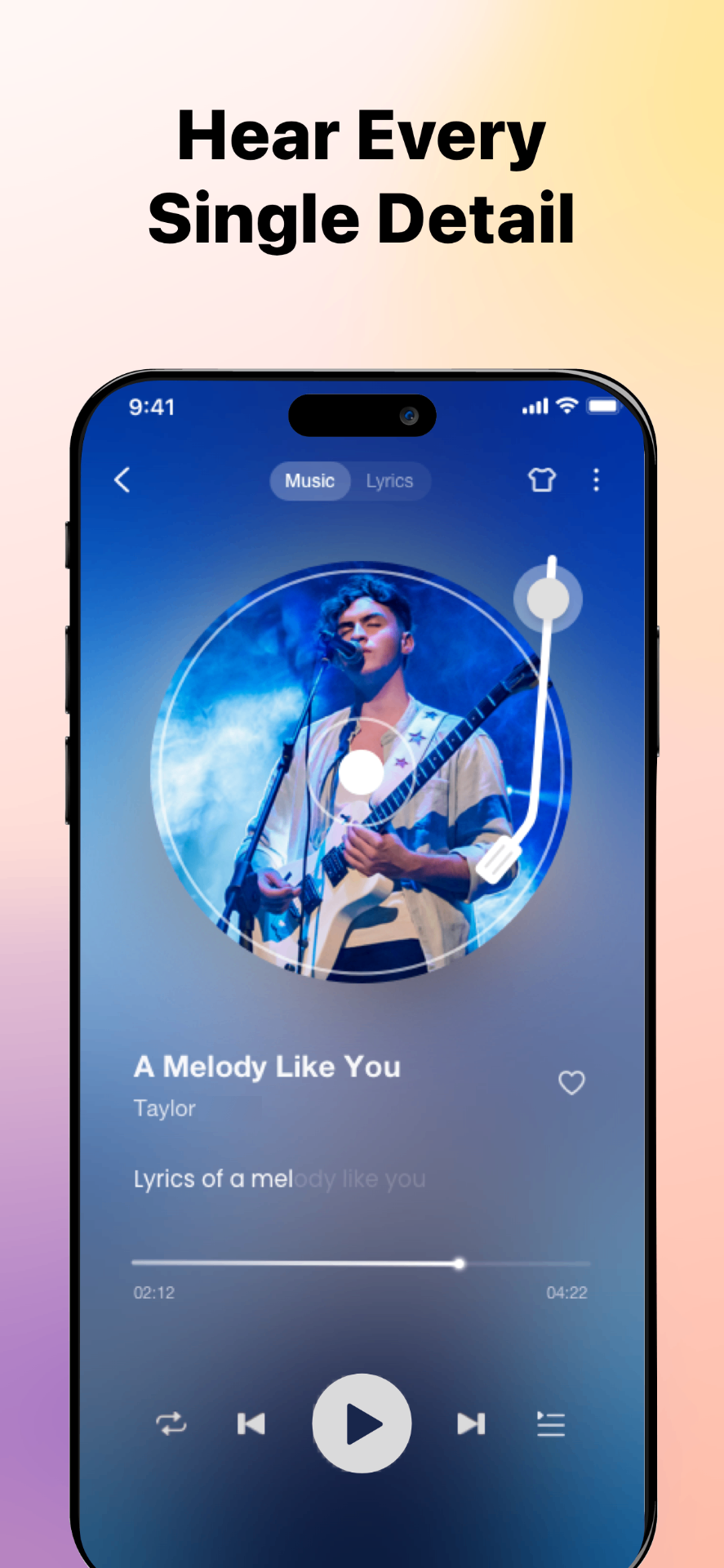
High-Quality Audio Playback
Enjoy clear, high-quality sound with support for lossless and high-bitrate audio files, optimized for offline listening on iOS devices.
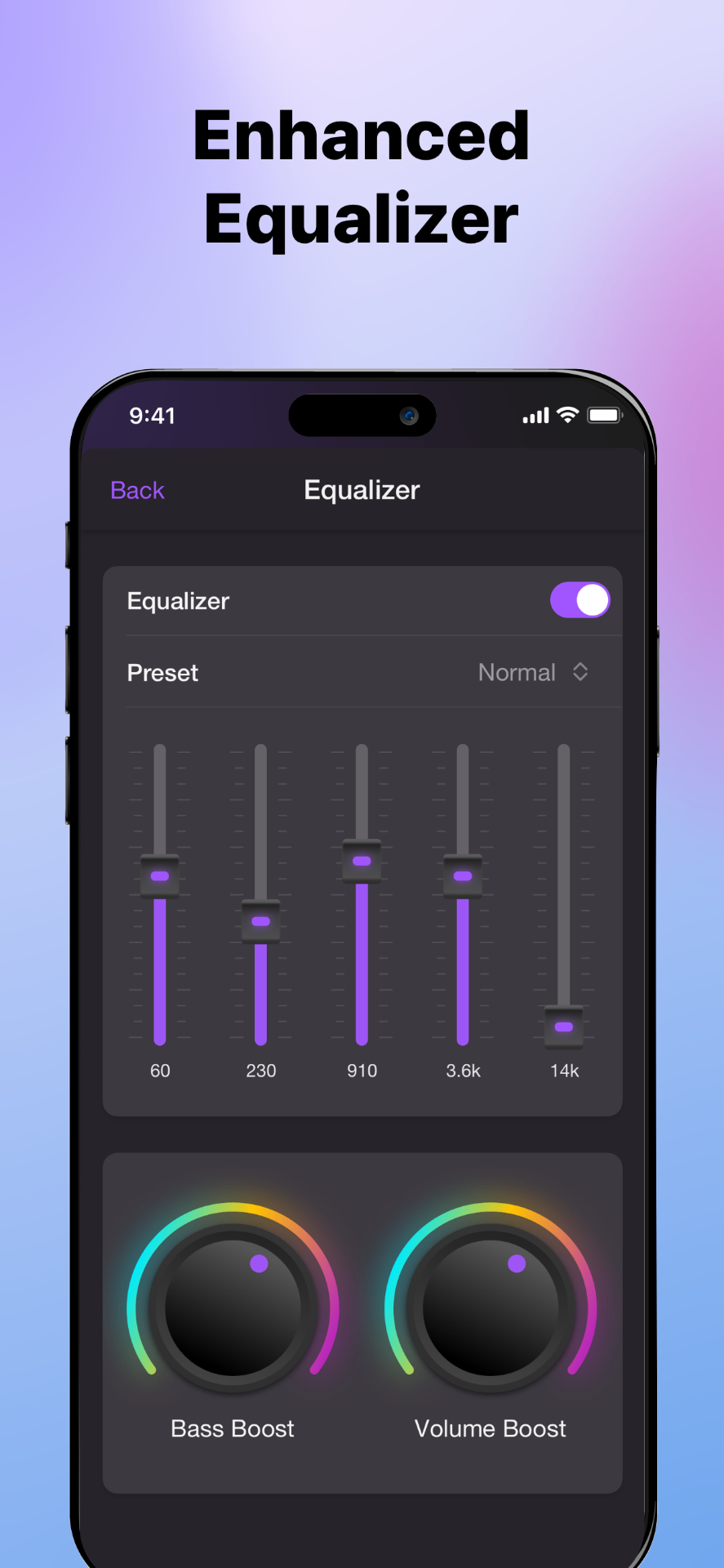
Built-in Equalizer
Customize your listening experience with a powerful equalizer. Adjust audio presets or fine-tune frequencies to match your music style.
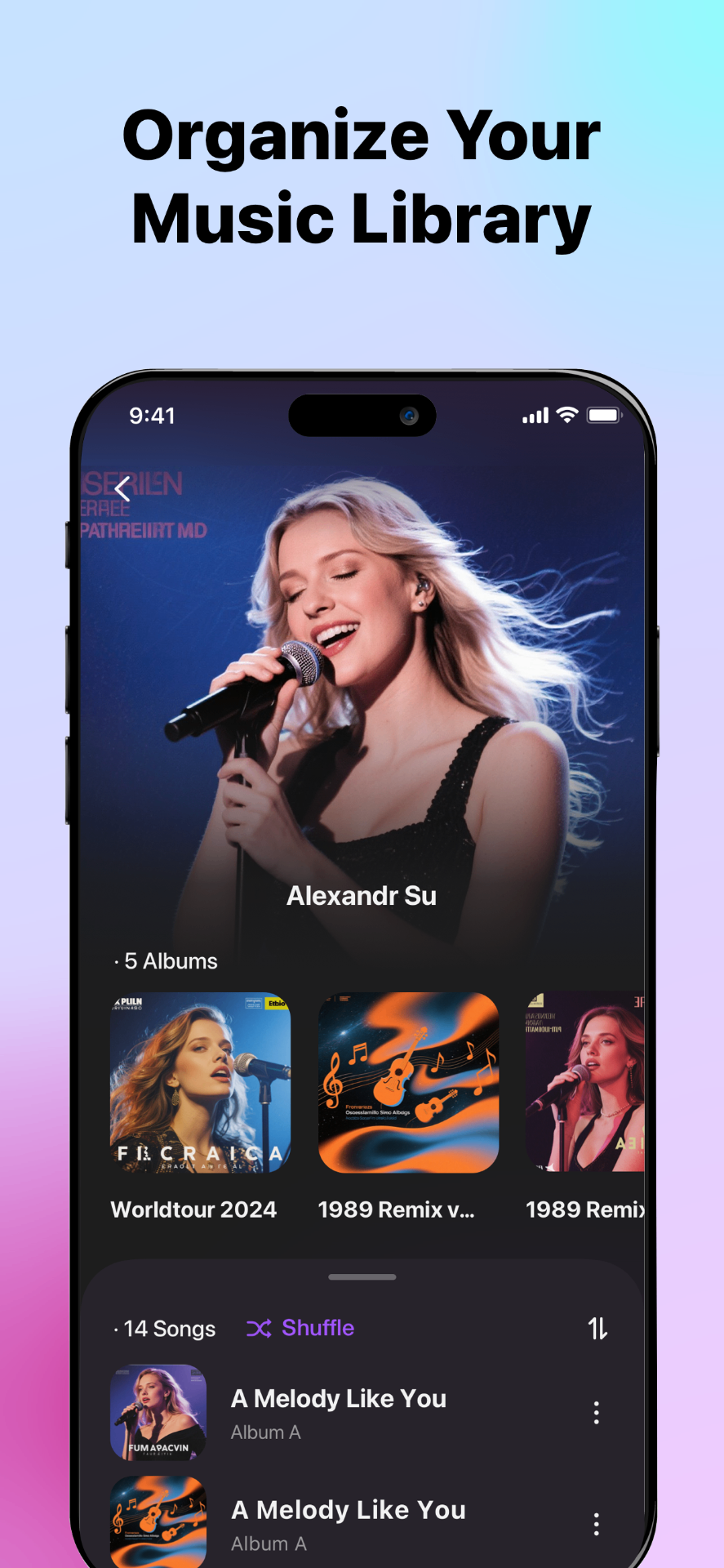
Smart Playlists & Music Organization
Organize your local music into playlists and categories. Songs are automatically grouped by album, artist, and genre for easy browsing.
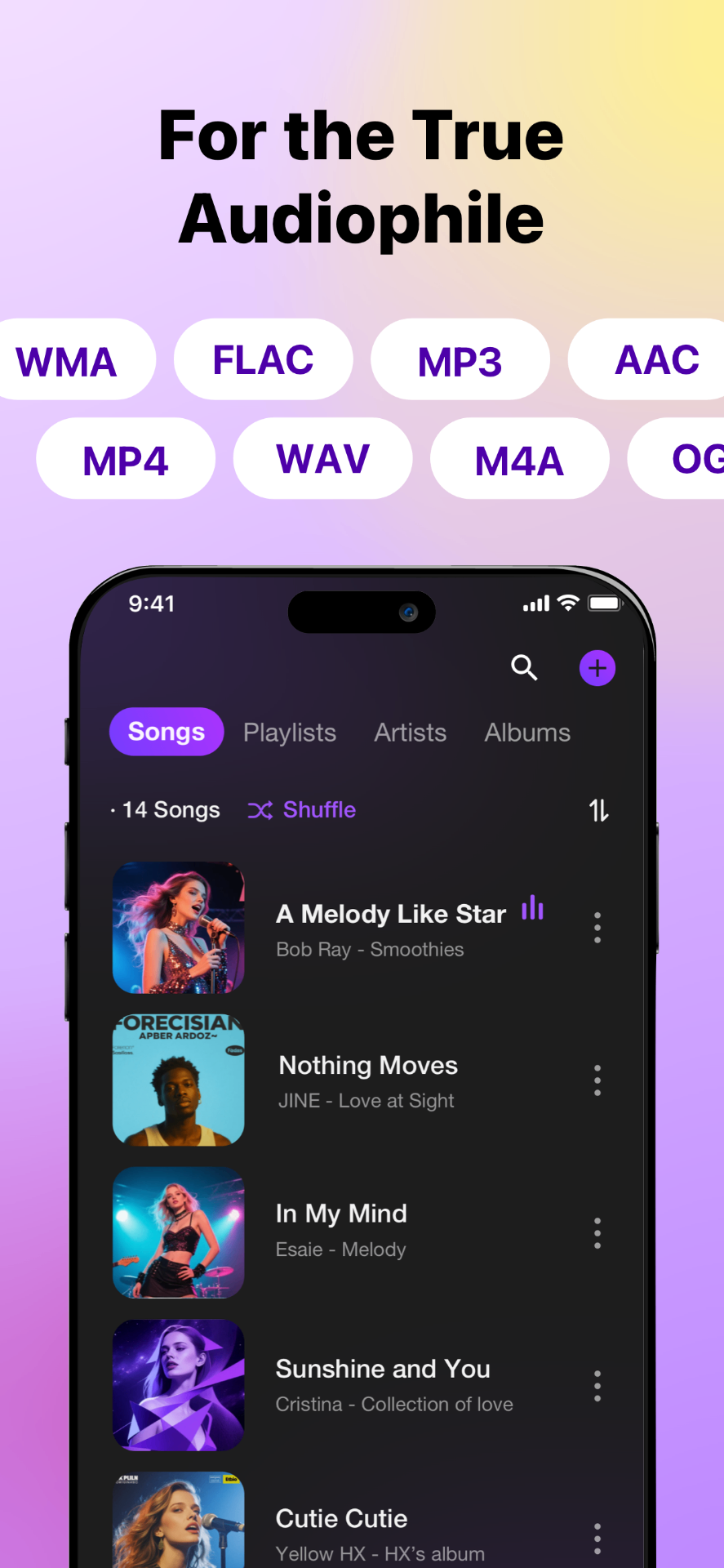
Multiple Audio Formats Supported
Play a wide range of audio formats, including MP3, AAC, WAV, and FLAC, without converting files or relying on online streaming services.
Import Music from Multiple Channels
Easily import music into a single offline music player for centralized local playback, supporting platforms such as files, Apple Music, iCloud or other cloud storage. It also supports transfers between different devices.
Cloud Music Playing & Downloading
Import music from cloud storage services such as Google Drive or Dropbox, download tracks to your device, and listen offline whenever you want.
ID3 Tag & Metadata Editor
Edit song titles, artists, albums, cover art directly in the app to keep your offline music library clean and organized.
What Users Say About SonaPlay - Offline Music Player
See how music lovers and audiophiles use Offline Music Player to enhance their music playback experience.
"Finally an app that just plays my music without ads or subscriptions. SonaPlay is exactly what I've been looking for!"

Sarah M.
Music Enthusiast
"I use this every day on my subway commute. Works perfectly offline and the sound quality is amazing."

James T.
Commuter
"Perfect for my workouts. I can finally listen to my own music without needing wifi at the gym."

Emily R.
Fitness Lover
"The FLAC support is incredible. This is the only player on iOS that handles my lossless collection properly."

Michael K.
Audiophile
"Clean interface, easy file management, and great playback controls. Couldn't ask for more!"

Lisa W.
Podcast Fan
"I was looking for a simple offline music player for iPhone, and this does exactly what I need. Importing local files and playing music without internet works smoothly."

David L.
iPhone User
"Finally a music player that lets me download songs from cloud storage and listen offline. The interface is clean and easy to use."

Jennifer H.
Music Lover
"I like that it focuses on local music instead of streaming. Managing playlists and albums offline is fast and straightforward."

Robert C.
Playlist Creator
"The equalizer and tag editor are surprisingly powerful. I was able to fix album covers and organize my music library in minutes."

Amanda K.
Music Organizer
"This is the best option I've found for playing Flac files offline on iPhone. Sound quality is excellent and playback is stable."

Chris P.
Audiophile
"I transfer music from my Mac and cloud drive, then listen offline during travel. No ads, no streaming, just my own music."

Daniel M.
Frequent Traveler
"Reliable offline music playback with great file support. Recommend it to you all."

Sophia R.
App Reviewer
"I just love this app! Perfect for organizing and playing local music on iPhone."

Maria T.
Music Enthusiast
Common Questions
Quick answers to frequently asked questions.
Latest from the Blog
Tips and tutorials for music lovers.
How to play local music on iPhone
You can play local music on iPhone by using an offline music player app like SonaPlay, which allows you to import and play audio files stored on your device without an internet connection.
Where is the downloaded music and how to play them
Downloaded music on iPhone is usually stored in the Files app or inside specific apps. To play these files easily, you need an offline music player like SonaPlay that can import and organize local audio files.
How to import music from Google Drive to iPhone
You can import music from Google Drive to iPhone by linking your Google Drive account in an offline music player like SonaPlay, which automatically detects audio files and lets you stream or download them for offline playback.
How to extract audio from video on iPhone
You can extract audio from video on iPhone by using an app like SonaPlay, which converts video files into music tracks with one tap.
FLAC vs MP3 on iPhone: what to keep and why
On iPhone, MP3 is more storage-efficient and widely supported, while FLAC provides higher audio quality with larger file sizes. Choosing between them depends on whether you prioritize sound quality or storage space.
Ready to Own Your Music?
Download SonaPlay and enjoy your personal music library anywhere, anytime. No ads, no internet required.
Download on the App Store