เครื่องเล่นเพลงออฟไลน์ที่ดีที่สุดสำหรับ iPhone
นำเข้าเพลงและฟังได้ทุกที่ ฟรี ไม่มีโฆษณา

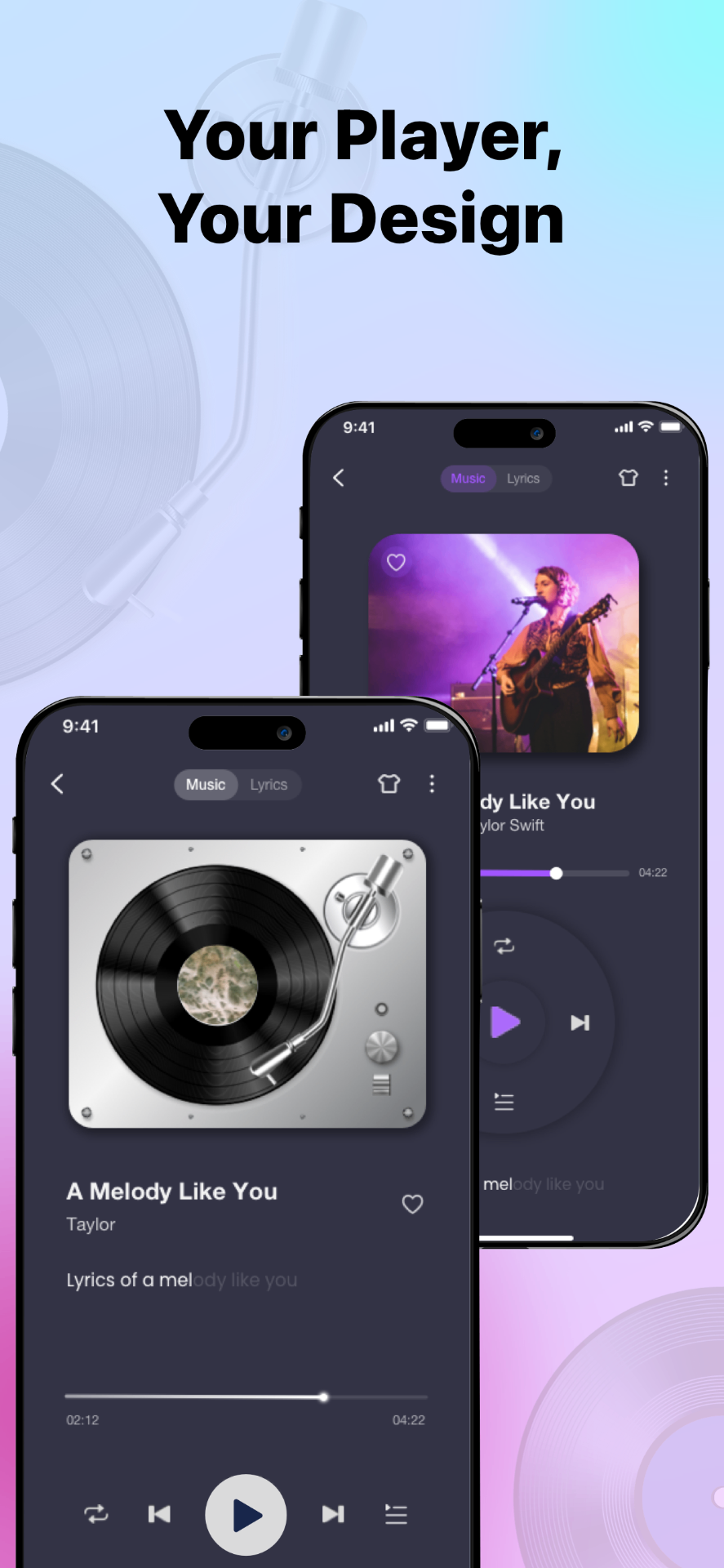
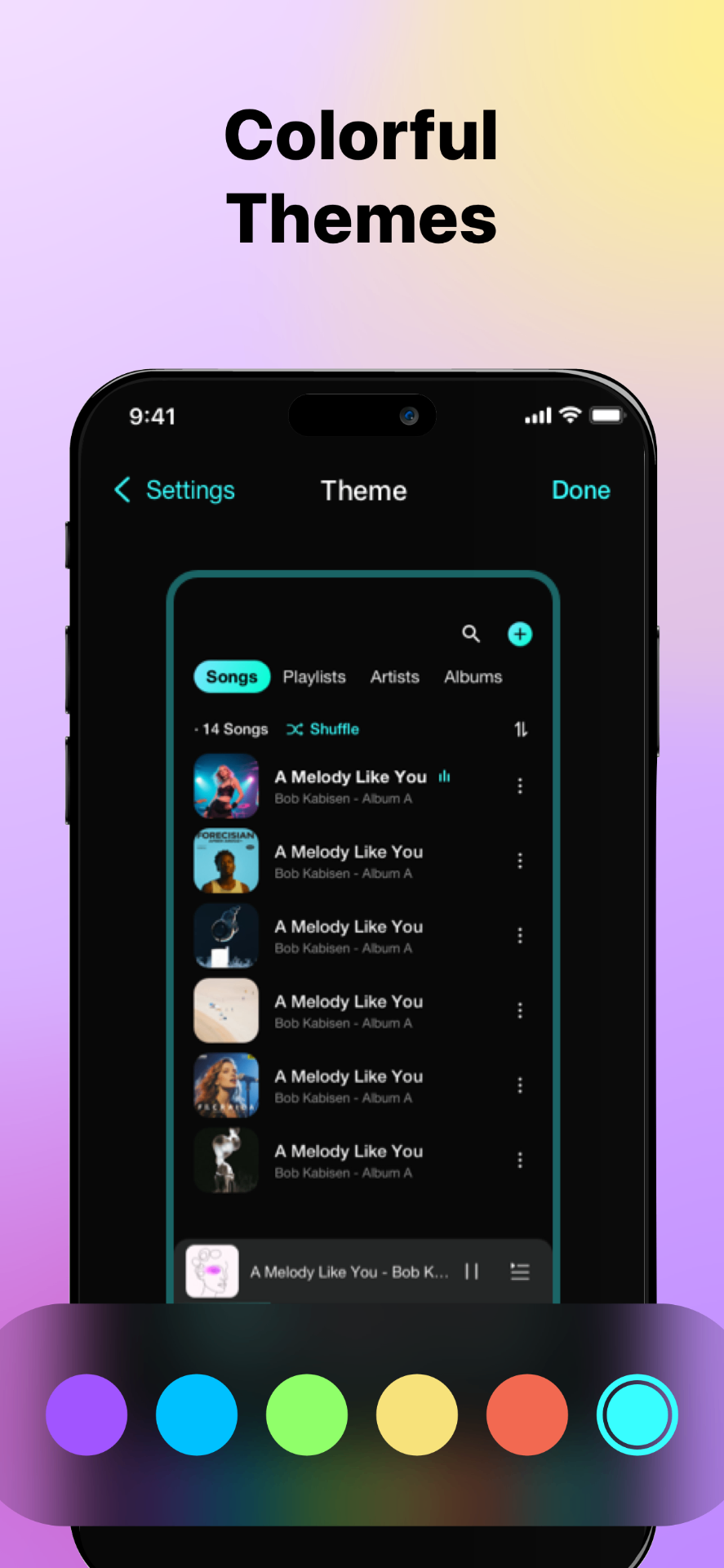
ทุกสิ่งสำหรับเพลงออฟไลน์
คุณสมบัติครบครัน
ออฟไลน์ 100%
เล่นได้โดยไม่ต้องใช้อินเทอร์เน็ต
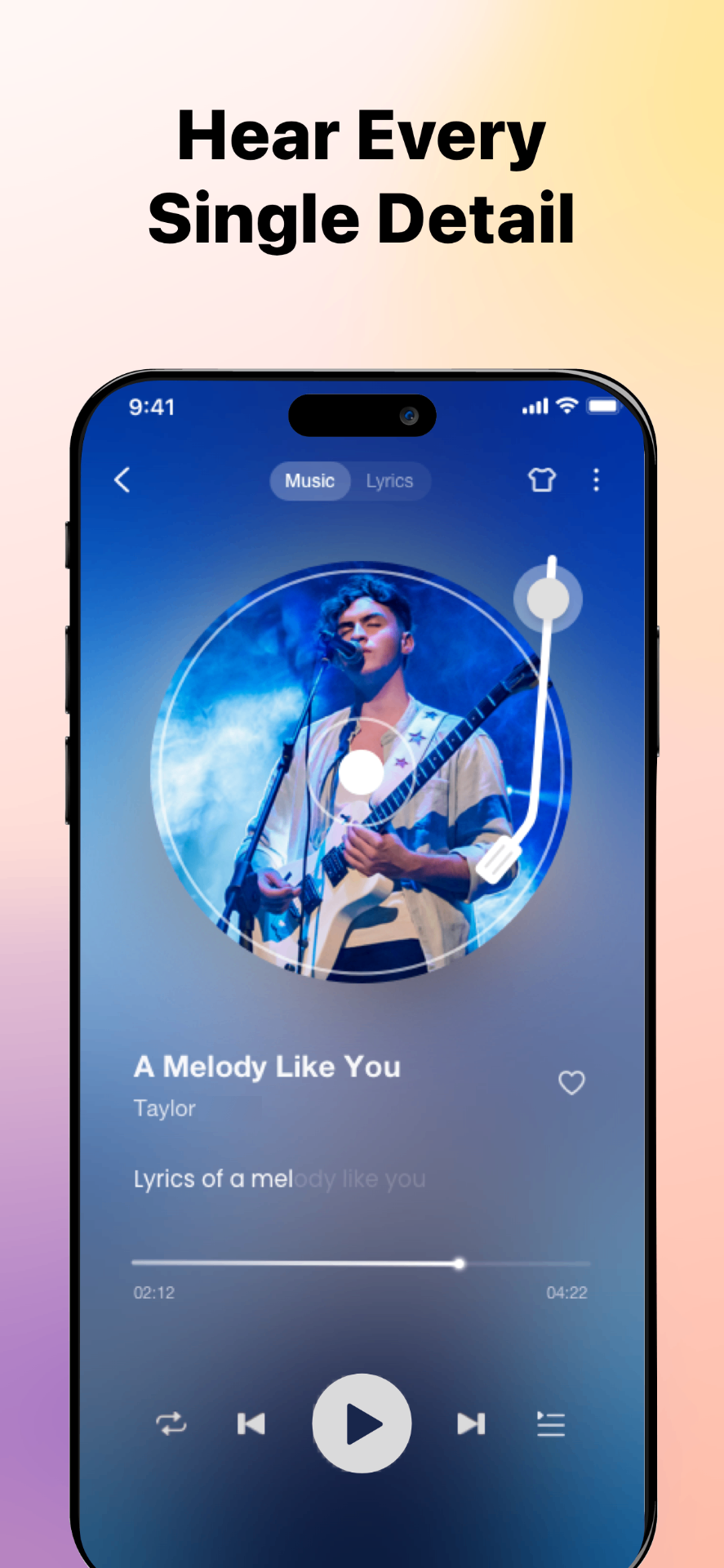
High-Quality Audio Playback
Enjoy clear, high-quality sound with support for lossless and high-bitrate audio files, optimized for offline listening on iOS devices.
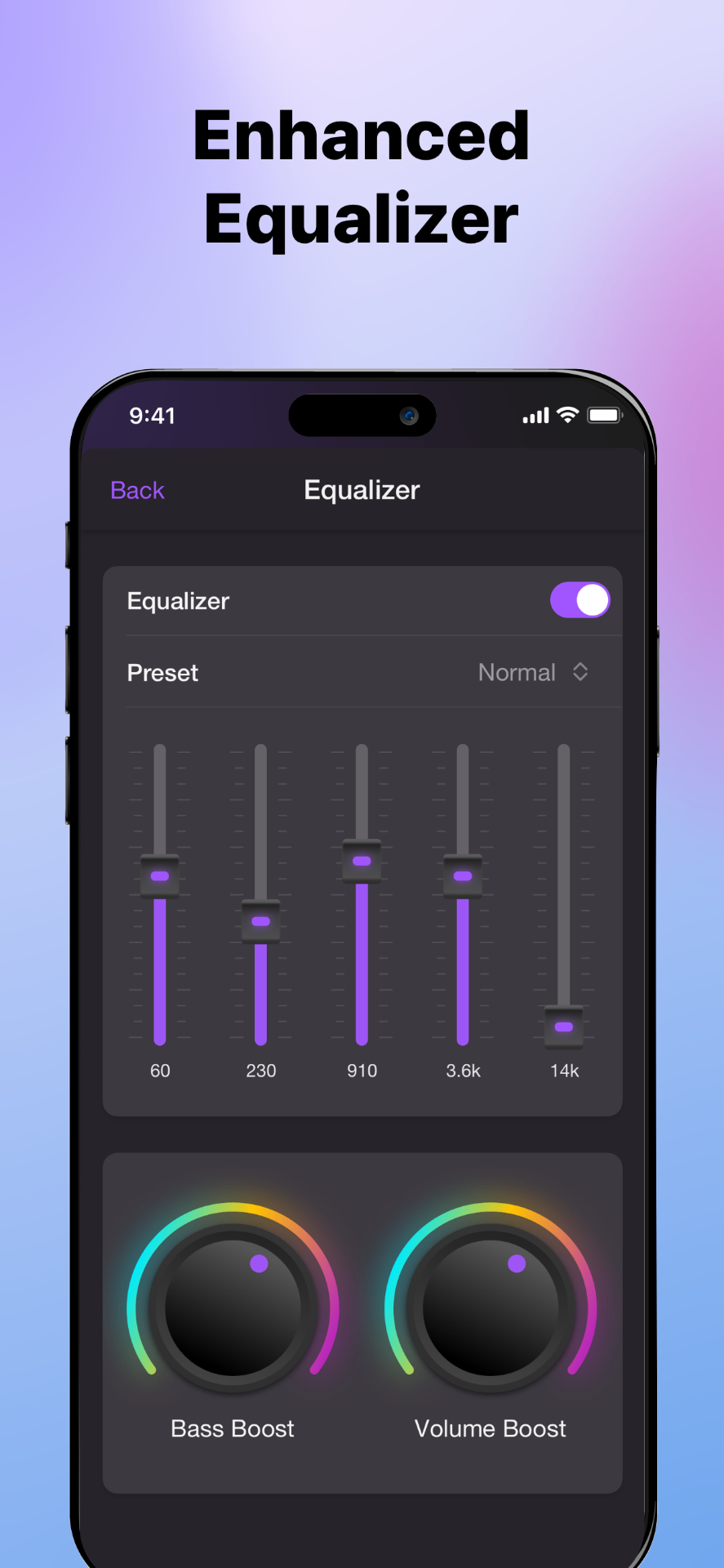
Built-in Equalizer
Customize your listening experience with a powerful equalizer. Adjust audio presets or fine-tune frequencies to match your music style.
เพลย์ลิสต์อัจฉริยะ
สร้างเพลย์ลิสต์ไม่จำกัด
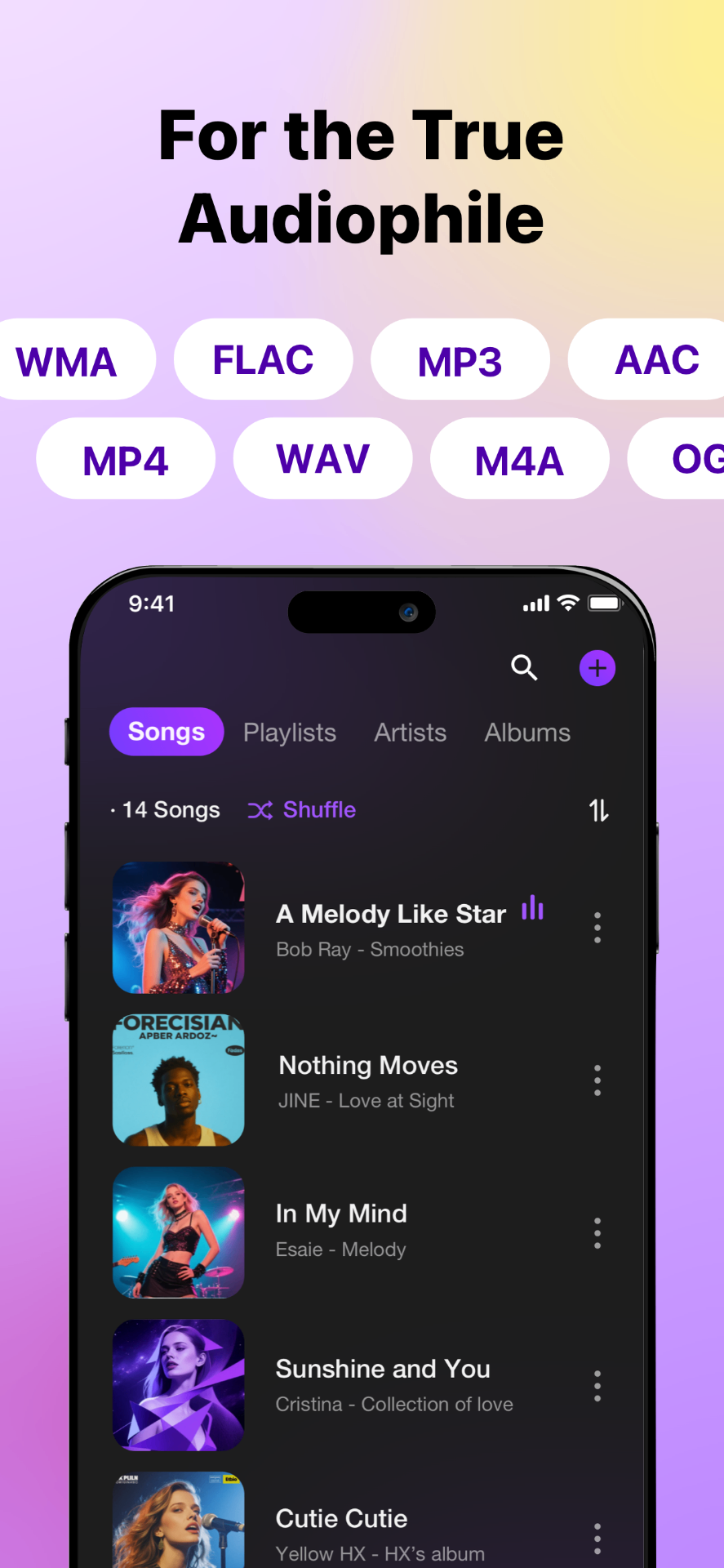
Multiple Audio Formats Supported
Play a wide range of audio formats, including MP3, AAC, WAV, and FLAC, without converting files or relying on online streaming services.
นำเข้าง่าย
จาก Files, iCloud หรือคลาวด์
Cloud Music Playing & Downloading
Import music from cloud storage services such as Google Drive or Dropbox, download tracks to your device, and listen offline whenever you want.
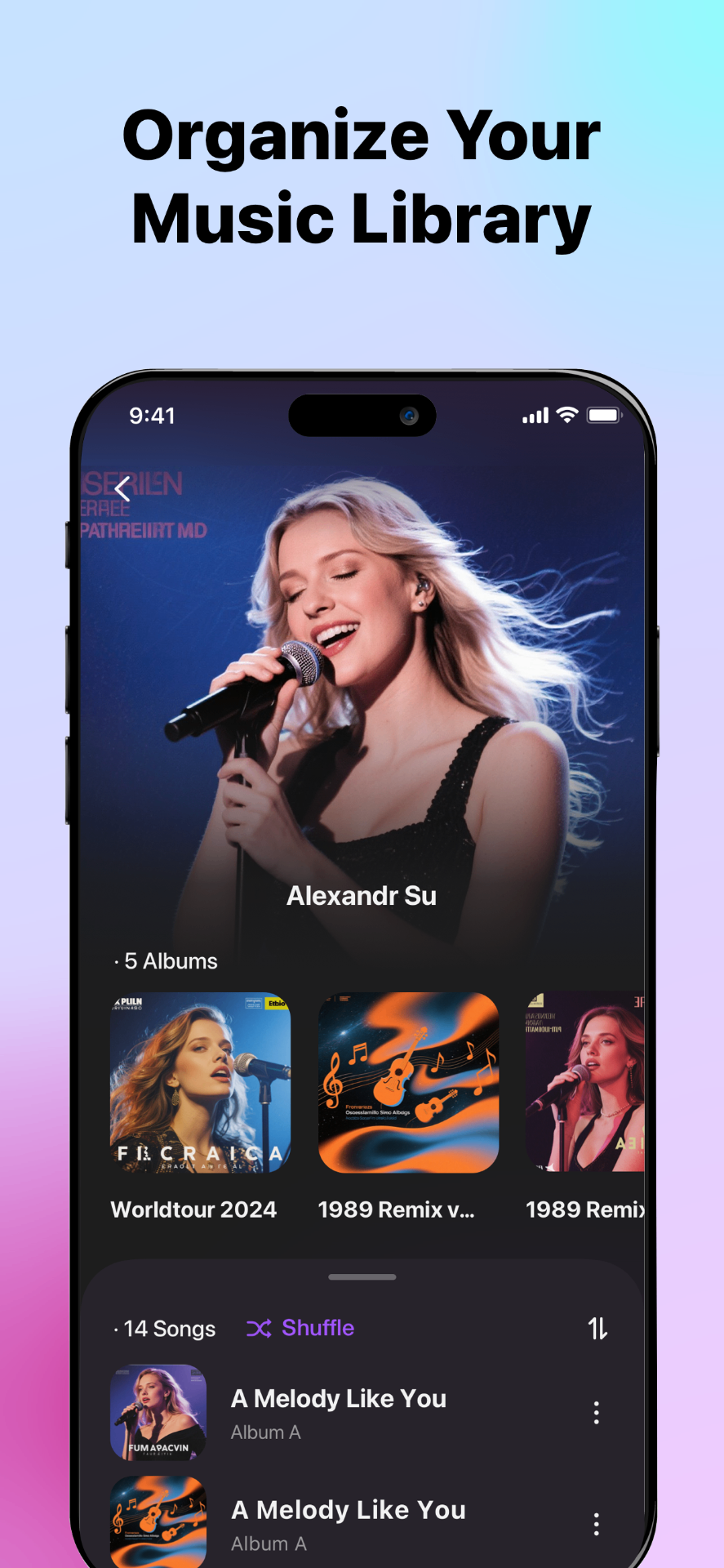
ID3 Tag & Metadata Editor
Edit song titles, artists, albums, cover art directly in the app to keep your offline music library clean and organized.
ผู้รักเพลงชื่นชอบ
เข้าร่วมผู้ใช้หลายพันคน
"Finally an app that just plays my music without ads or subscriptions. SonaPlay is exactly what I've been looking for!"

Sarah M.
Music Enthusiast
"I use this every day on my subway commute. Works perfectly offline and the sound quality is amazing."

James T.
Commuter
"Perfect for my workouts. I can finally listen to my own music without needing wifi at the gym."

Emily R.
Fitness Lover
"The FLAC support is incredible. This is the only player on iOS that handles my lossless collection properly."

Michael K.
Audiophile
"Clean interface, easy file management, and great playback controls. Couldn't ask for more!"

Lisa W.
Podcast Fan
"I was looking for a simple offline music player for iPhone, and this does exactly what I need. Importing local files and playing music without internet works smoothly."

David L.
iPhone User
"Finally a music player that lets me download songs from cloud storage and listen offline. The interface is clean and easy to use."

Jennifer H.
Music Lover
"I like that it focuses on local music instead of streaming. Managing playlists and albums offline is fast and straightforward."

Robert C.
Playlist Creator
"The equalizer and tag editor are surprisingly powerful. I was able to fix album covers and organize my music library in minutes."

Amanda K.
Music Organizer
"This is the best option I've found for playing Flac files offline on iPhone. Sound quality is excellent and playback is stable."

Chris P.
Audiophile
"I transfer music from my Mac and cloud drive, then listen offline during travel. No ads, no streaming, just my own music."

Daniel M.
Frequent Traveler
"Reliable offline music playback with great file support. Recommend it to you all."

Sophia R.
App Reviewer
"I just love this app! Perfect for organizing and playing local music on iPhone."

Maria T.
Music Enthusiast
คำถามที่พบบ่อย
คำตอบสำหรับคำถามทั่วไป
เคล็ดลับ
เรียนรู้เพิ่มเติม
วิธีเล่นเพลงในเครื่องบน iPhone
คุณสามารถเล่นเพลงในเครื่องบน iPhone ได้โดยใช้แอปเครื่องเล่นเพลงออฟไลน์อย่าง SonaPlay ซึ่งช่วยให้คุณนำเข้าและเล่นไฟล์เสียงที่จัดเก็บในอุปกรณ์โดยไม่ต้องเชื่อมต่ออินเทอร์เน็ต
เพลงที่ดาวน์โหลดอยู่ที่ไหนและเล่นอย่างไร
เพลงที่ดาวน์โหลดบน iPhone มักจะจัดเก็บในแอป Files หรือภายในแอปเฉพาะ เพื่อเล่นไฟล์เหล่านี้ได้อย่างง่ายดาย คุณต้องใช้เครื่องเล่นเพลงออฟไลน์อย่าง SonaPlay ที่สามารถนำเข้าและจัดระเบียบไฟล์เสียงในเครื่อง
วิธีนำเข้าเพลงจาก Google Drive ไปยัง iPhone
คุณสามารถนำเข้าเพลงจาก Google Drive ไปยัง iPhone ได้โดยเชื่อมต่อบัญชี Google Drive ของคุณในเครื่องเล่นเพลงออฟไลน์อย่าง SonaPlay ซึ่งจะตรวจจับไฟล์เสียงโดยอัตโนมัติและให้คุณสตรีมหรือดาวน์โหลดเพื่อเล่นแบบออฟไลน์
วิธีแยกเสียงจากวิดีโอบน iPhone
คุณสามารถแยกเสียงจากวิดีโอบน iPhone ได้โดยใช้แอปอย่าง SonaPlay ซึ่งแปลงไฟล์วิดีโอเป็นแทร็กเพลงด้วยการแตะเพียงครั้งเดียว
FLAC vs MP3 บน iPhone: ควรเก็บอะไรและทำไม
บน iPhone MP3 ประหยัดพื้นที่จัดเก็บมากกว่าและรองรับอย่างกว้างขวาง ในขณะที่ FLAC ให้คุณภาพเสียงสูงกว่าแต่ไฟล์ใหญ่กว่า การเลือกขึ้นอยู่กับว่าคุณให้ความสำคัญกับคุณภาพเสียงหรือพื้นที่จัดเก็บ